On this page
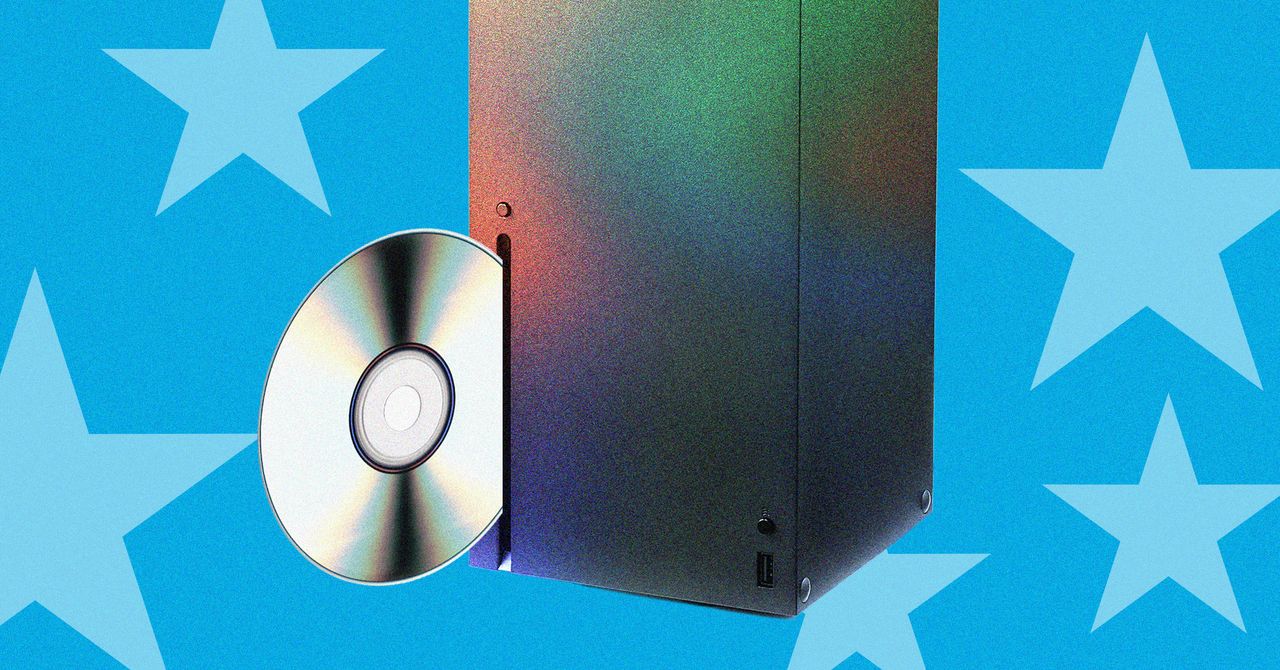
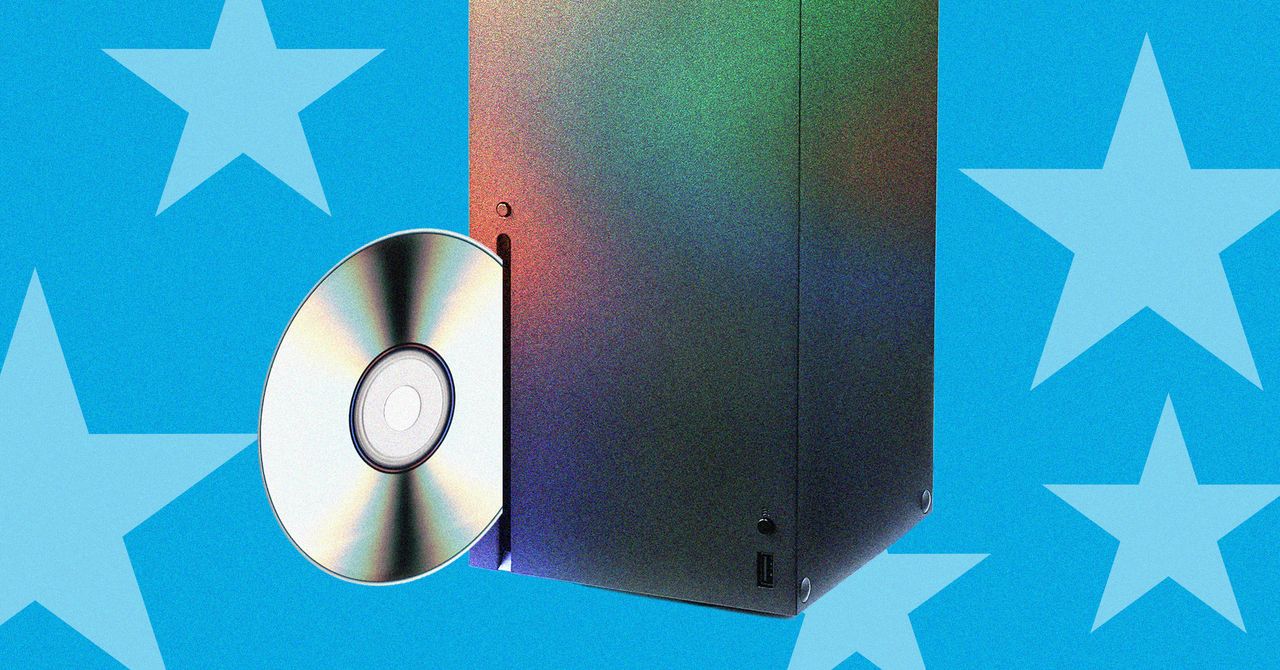
Microsoft’s new disc-to-digital initiative lets Xbox owners turn their physical game discs into digital copies at no extra cost. The program arrives as Sony signals a move away from physical media by 2028, while Microsoft’s upcoming Project Helix console promises to keep disc support alive. This article explains how the service works, what it means for your library, and the practical steps you can take today.
Key Takeaways
The disc-to-digital feature is presented as a cost‑free way to obtain a digital copy of a game you already own on disc. According to the WIRED report, Microsoft verifies ownership when the disc is placed in the console and then initiates a download of the matching digital title from the Microsoft Store.
The digital license remains tied to the same Xbox account that owns the disc, and the physical disc continues to function for those who prefer to play from the medium. This dual‑access model aims to bridge the gap between physical and digital libraries.
Eligibility is limited to titles that have a corresponding digital entry in the Microsoft Store. Not every disc qualifies, especially older Xbox 360 or original Xbox games that lack a digital counterpart. The program requires an internet connection for the initial download and sufficient storage space on the console’s hard drive or SSD.
Microsoft recommends holding onto the physical disc while the long‑term licensing details are finalized, as selling or giving away the disc could potentially affect the digital entitlement.
Overall, the initiative reflects Microsoft’s hybrid strategy: maintaining physical media compatibility while encouraging digital convenience, contrasting with Sony’s announced shift toward an all‑digital future by 2028.
Understanding Xbox’s Disc-to-Digital Program
According to the Wired report, Microsoft is allowing players to digitize their game discs without charging a fee. The process requires the disc to be placed into an Xbox console, after which the system verifies ownership and initiates a download of the digital version to the console’s storage. The digital copy is tied to the same Xbox account that owns the disc, and the disc remains functional for those who prefer to play from the physical medium.
The program appears to be limited to titles that are part of the Xbox ecosystem and have a corresponding digital version in the Microsoft Store. Not every disc may be eligible, and the service does not currently support discs from other platforms or older generations that lack a digital counterpart.
Why This Matters
This initiative arrives amid a broader industry shift. Sony has publicly stated its intention to phase out physical discs by 2028, which could reshape how gamers acquire and retain titles. Microsoft’s approach, by contrast, seeks to bridge the gap between physical and digital libraries, offering a way to preserve existing collections while embracing the convenience of digital access.
For consumers, the program reduces the friction of repurchasing games they already own in disc form. It also provides a safety net: if a disc becomes damaged or lost, the digital copy can serve as a backup, provided the disc remains in the account’s ownership record.
By offering a free conversion path, Microsoft may slow the shift to pure digital distribution, giving consumers more time to adapt. It also positions Xbox as a platform that respects existing investments in physical media, potentially strengthening brand loyalty among long‑time Xbox users.
How the Program Works
When a qualifying disc is placed in the console, the Xbox system reads the disc’s identifier and checks the Microsoft Store for a matching digital product. If a match is found, the console begins downloading the digital version, which can take anywhere from a few minutes to over an hour depending on the game’s size and the user’s internet speed. Once the download completes, the game appears in the user’s library alongside any other digital titles.
Microsoft emphasizes that the disc must remain in the user’s possession for the digital license to stay valid. Selling or giving away the disc could potentially void the digital entitlement, although the exact terms have not been fully disclosed. The company advises users to hold onto their physical copies until more details about long‑term licensing are published.
The digital copy occupies roughly the same amount of space as the game’s standard digital download, which can range from a few gigabytes for indie titles to over 100 GB for large open‑world games. Users should ensure sufficient free space before starting the conversion.
Benefits and Limitations
The primary benefit is cost‑free access to a digital version of a game you already own, eliminating the need to repurchase the same title. This can be especially valuable for large libraries where repurchasing would be expensive. Additionally, having a digital copy simplifies reinstallation after a console reset or when upgrading to a newer Xbox model.
Limitations include eligibility restrictions—only discs with a matching digital store entry qualify. Users with older Xbox 360 or original Xbox discs may find few, if any, eligible titles. The program also requires a stable internet connection for the initial download, and the digital copy consumes storage space on the console’s hard drive or SSD.
Because the digital license is tied to continued ownership of the disc, Microsoft advises against selling the physical disc until the licensing terms are clearer. This creates a temporary dependency that may affect users who wish to trade in or sell their collections.
What to Do Next
If you want to try the disc‑to‑digital feature, start by checking whether your favorite games appear in the Microsoft Store with a “Buy” or “Install” option that indicates a digital version is available. Place the disc into your Xbox, navigate to the game’s hub, and look for an option to “Get digital version” or similar wording. Follow the on‑screen prompts to begin the download.
Keep your discs in a safe place, and consider backing up your game saves to the cloud. As Microsoft releases further details about the program’s duration and any potential fees, staying informed through official Xbox channels or reputable tech news sites will help you make the best decision for your collection.
Comparing with Industry Trends
While Sony’s roadmap points toward an all‑digital future, Microsoft’s hybrid strategy suggests a different path: maintaining physical media compatibility while encouraging digital convenience. This approach may appeal to gamers who value the resale or collectible aspects of discs, as well as those who worry about long‑term access to digital stores.
Industry analysts note that offering a free disc‑to‑digital path could slow the shift to pure digital distribution, giving consumers more time to adapt. It also positions Xbox as a platform that respects existing investments in physical media, potentially strengthening brand loyalty among long‑time Xbox users.
FAQ
Is the disc‑to‑digital program really free?
Yes, according to the Wired article, Microsoft currently offers the digital conversion at no extra charge. No purchase or subscription is required to obtain the digital copy of an eligible disc.
Which Xbox consoles support the feature?
The feature is available on the current generation Xbox Series X|S consoles that can read discs and access the Microsoft Store. Older consoles may not support the process if they lack the necessary store integration.
What happens if I sell my disc after getting the digital version?
Microsoft advises against selling the physical disc until the licensing terms are clearer. The digital license may be tied to continued ownership of the disc, so transferring the disc could affect access to the digital copy.
Are all game discs eligible for conversion?
Only discs that have a matching digital version in the Microsoft Store qualify. Many newer titles are eligible, while older or region‑specific discs may not have a digital counterpart.
How much storage space does the digital copy require?
Can I use the digital copy on multiple Xbox consoles?
The digital license is tied to the Xbox account that owns the disc. As long as you sign in with that account, you can install and play the digital version on any Xbox console that supports game sharing and license roaming.
External Sources and Further Reading
Internal Link Placeholders
Want more practical guides? Explore more Ayxworks insights and save this article for later.