On this page
A software supply-chain compromise can expose credentials far beyond the original package. The LiteLLM incident in March 2026 is a concrete example: malicious Python packages were briefly distributed through PyPI, and subsequent security reporting in August 2026 described an unusually large collection of secrets harvested from affected environments.
This article distinguishes what LiteLLM itself confirmed, what independent security researchers reported and what an engineering team should verify. It is research-based incident analysis, not an AYXWORKS forensic investigation.
Quick answer
LiteLLM identified two compromised PyPI versions: 1.82.7 and 1.82.8, distributed on 24 March 2026 for approximately 40 minutes before quarantine. The malicious code was designed to collect available secrets, including environment variables and cloud, database, SSH and Kubernetes credentials. The project advised affected users to treat exposed secrets as compromised, investigate the environment and rotate or revoke credentials.
Later reporting cited data allegedly affecting more than 2,500 organizations and large numbers of CI/CD pipeline secrets. These are researcher-reported exposure estimates, not proof that every named organization suffered the same intrusion or that every record was a unique active credential.
The timeline: March incident, August disclosures
| When | What was reported | Evidence level |
|---|---|---|
| 24 March 2026 | LiteLLM PyPI versions 1.82.7 and 1.82.8 were compromised and briefly downloadable | Confirmed in LiteLLM’s own incident update |
| Late March | Maintainers published affected-version guidance, indicators and safer release controls | Project’s response documentation |
| 12 August 2026 | CloudSEK and Hudson Rock described extensive secrets found from the attack in media coverage | Third-party security-firm findings reported by Ars Technica |
| 16 October 2026 | Organizations must still determine whether their own systems ran affected artifacts and whether secrets were rotated | Site-specific exposure cannot be inferred from news alone |
The dates matter. The August headline describes later disclosure about a March attack, not a newly discovered attack necessarily occurring in August.
How the compromise worked
LiteLLM is a Python-based AI gateway and integration package. Its official incident report says the malicious versions were distributed through the Python Package Index (PyPI). The maintainers connected the incident to compromise of the Trivy security-scanning supply chain and unauthorized publishing credentials.
The confirmed malicious versions were 1.82.7 and 1.82.8. LiteLLM documented two payload paths: code inserted into `proxy_server.py` and, in 1.82.8, an additional `litellm_init.pth` file. The latter matters because Python processes can execute code from certain `.pth` files at startup; an affected installation can therefore be dangerous even when engineers do not explicitly import the package as part of their main application.
The payload was intended to collect accessible secrets, including environment variables, SSH material, cloud-provider credentials, Kubernetes tokens and database passwords. The organization’s actual exposure depends on which package was installed, where it ran, what permissions it had and which secrets were reachable.
Who was affected—and who was not?
The project described the two compromised PyPI packages as affected. Its own incident FAQ says that customers using its official LiteLLM Proxy Docker image were not affected by this particular compromised-PyPI distribution route, because that image used pinned dependencies. That is a statement about a defined deployment path; it is not proof every Docker image or third-party container was safe.
An installed version number alone is not enough to determine historical exposure if an environment has since been upgraded. Review package lockfiles, build logs, artifact registries, CI job records and images actually executed during the relevant window. Treat downstream packages that installed LiteLLM as a transitive dependency as part of that inventory.
What the huge leak headlines actually mean
Ars Technica’s 12 August reporting described findings by CloudSEK and Hudson Rock, including a researcher-analyzed 195 TB file, reports of more than 2,500 organizations exposed and claims involving around 434,000 CI/CD pipelines.
Those numbers require care: a claimed dataset size is not the verified volume of usable unique credentials, and a listed company name is not necessarily evidence of direct compromise at that parent company. A supplier, subsidiary or service provider can expose references connected to other companies. The original reporting itself noted ambiguity in attribution. Avoid describing each affected enterprise as definitively breached without its own confirmation.
The engineering concern is the exposure path: CI services and AI tools often have access to secrets that grant further access to cloud projects, repositories, registries or production APIs. Attackers do not need to compromise every company separately if one widely installed package runs in privileged build environments.
Response checklist for an organization using LiteLLM
If you have evidence of an affected version, treat this as a security incident—not just an ordinary dependency upgrade.
- Identify affected systems. Check installed packages, dependency locks, build caches, CI job logs, Docker build histories and artifact hashes against LiteLLM’s published advisory. Record time windows and host identifiers.
- Contain and preserve evidence. Follow the security team’s incident response procedure. Preserve relevant logs, artifacts and access history before changing the environment in a way that destroys forensic evidence.
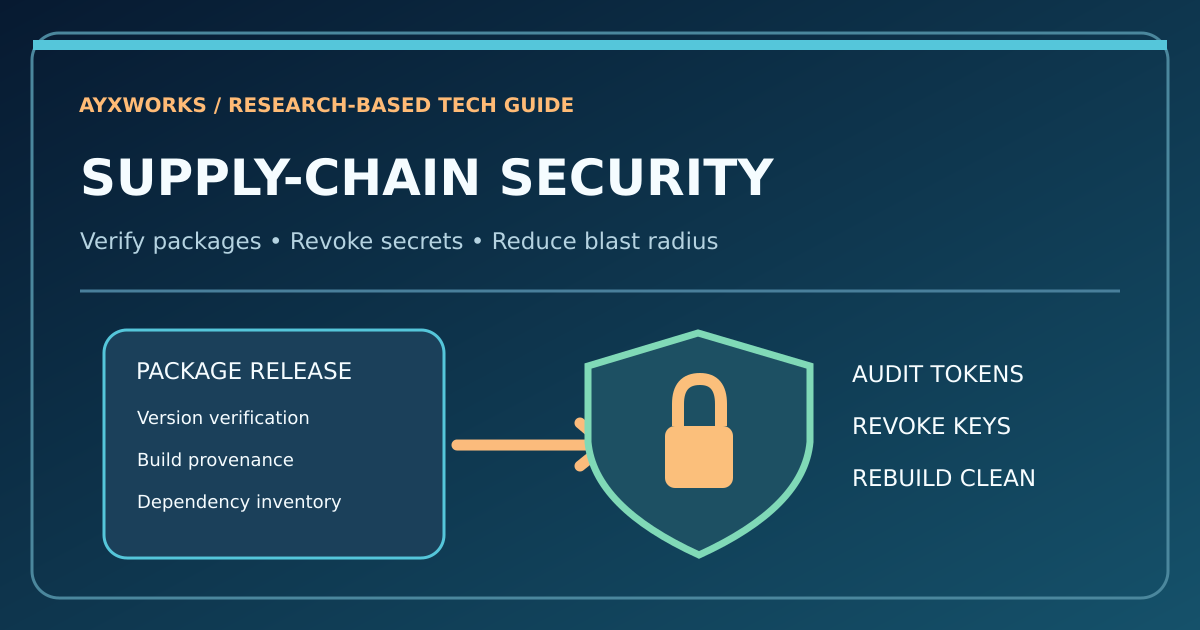
- Revoke, then rotate secrets. Prioritize credentials accessible to affected processes: cloud access keys, CI/CD tokens, repository PATs, registry publishing keys, SSH keys, database passwords and Kubernetes service tokens. Rotating a token without revoking the old token may leave exposure active.
- Audit downstream activity. Review cloud audit logs, package publishing events, repository access, unusual authentication and unexpected outbound connections. Look for unauthorized actions performed using credentials that were available in the compromised environment.
- Rebuild from verified sources. Remove affected artifacts, check the project’s current verified release notes and hashes, pin versions, and rebuild from a clean source/artifact pipeline. Do not assume “latest” alone is the correct or safe release.
- Reduce blast radius. Adopt short-lived credentials, least-privilege service identities, stronger CI isolation and approvals for publishing dependencies and production changes.
- Document the outcome. Record which systems were exposed, which secrets were invalidated, what evidence supports the conclusion and which controls will prevent recurrence.
The project’s own advisory includes indicators of compromise and remediation instructions. Do not execute unknown detection scripts from blogs or paste leaked credentials into third-party websites to see whether they appear in a dump.
Practical lessons for robotics, AI and software teams
AI services and automation platforms increasingly connect source code, inference providers, cloud storage, robots, industrial PCs and build pipelines. Keep operational networks and safety functions separated from general CI/CD and web credentials. A compromise in an AI gateway must not silently grant access to robot-control or safety-related systems.
Threat-model the entire software delivery chain: unpinned dependencies, privileged build runners, secret exposure in environment variables, long-lived API keys, artifact signing and incident logging. NIST SP 800-161 Rev. 1, updated in 2024, provides broader supply-chain risk-management guidance; it is not a product-specific certification.
FAQ
Was LiteLLM itself compromised? LiteLLM confirmed malicious releases of two PyPI versions. The maintainers reported remediation and later clean releases; consult the current official update for exact artifact verification.
Did 195 TB of unique credentials leak? The 195 TB figure refers to the dataset analyzed according to third-party reporting. It should not be presented as a verified count of unique, valid secrets.
Does an upgrade alone fix a leaked token? No. Previously exposed credentials require independent revocation/rotation and investigation of potential misuse.
Does every LiteLLM installation require emergency action today? Assess versions, installation method, time window and reachable secrets first. Official Docker images were explicitly distinguished from the compromised PyPI route in LiteLLM’s March guidance.
Verified sources
- LiteLLM maintainer security update, March 2026.
- Ars Technica — Dan Goodin, 12 August 2026: subsequent disclosures.
- Google ADK Python downstream security advisory.
- NIST SP 800-161 Rev. 1 with November 2024 updates — Cybersecurity Supply Chain Risk Management.
Takeaway: The durable lesson is not the largest quoted terabyte figure. It is how a briefly compromised dependency can access long-lived secrets and spread risk across unrelated organizations. Verify artifacts, revoke affected credentials and reduce what any one software component can reach.